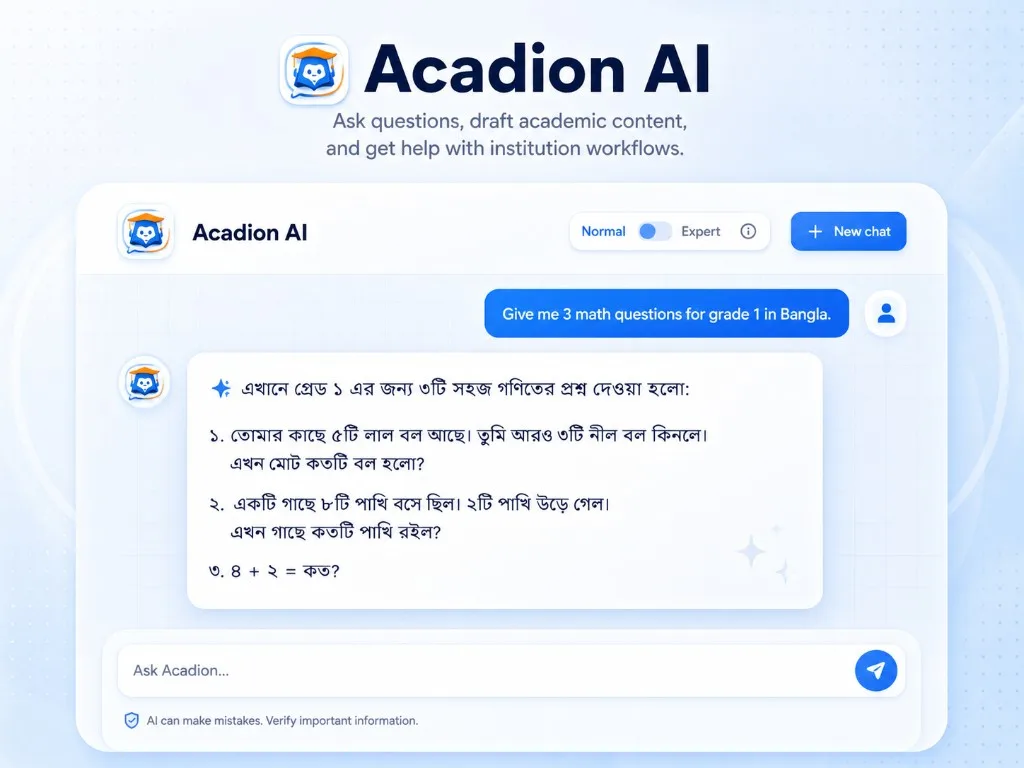
যেসব কাজে সাহায্য পাবেন
AI দিয়ে কী করতে পারবেন?
প্রশ্ন বা নোটিশের খসড়া তৈরি করে নিন। ব্যবহারের আগে পড়ে দেখুন, প্রয়োজনে সংশোধন করুন।
* AI সব অনুরোধের সঠিক উত্তর দিতে পারে না। তৈরি লেখা ও তথ্য ব্যবহারের আগে যাচাই করুন।
1
শ্রেণি ও বিষয় অনুযায়ী প্রশ্ন তৈরি করুন
আপনার অনুরোধ
"অষ্টম শ্রেণির সরল সমীকরণ নিয়ে সহজ, মাঝারি ও কঠিন মিলিয়ে দশটি গণিত প্রশ্ন তৈরি করুন।"
Acadion-এর তৈরি খসড়া
প্রশ্নগুলো যাচাই ও সংশোধন করে পরীক্ষা বা অনুশীলনে ব্যবহার করুন।
কুইজ, অনুশীলন ও পরীক্ষার প্রশ্ন তৈরিতে কাজে লাগবে।
2
প্রশ্ন ব্যাংক তৈরি করুন
আপনার অনুরোধ
"এই জীববিজ্ঞানের প্রশ্নগুলো পরে ব্যবহারের জন্য প্রশ্ন ব্যাংকে যোগ করুন।"
Acadion-এর তৈরি খসড়া
প্রশ্ন ব্যাংকে রাখা প্রশ্ন পরের পরীক্ষাতেও ব্যবহার করতে পারবেন।
একই প্রশ্ন বারবার লিখতে হবে না।
3
নোটিশ ও মেসেজের খসড়া লিখুন
আপনার অনুরোধ
"আগামীকালের অভিভাবক সভায় আসার অনুরোধ জানিয়ে একটি মেসেজ লিখুন।"
Acadion-এর তৈরি খসড়া
খসড়াটি পড়ে তথ্য ঠিক আছে কি না দেখে নিন। তারপর প্রয়োজনমতো সংশোধন করে পাঠান।
ভর্তির খবর, সভার নোটিশ বা ফি দেওয়ার কথা মনে করিয়ে দিতে ব্যবহার করুন।
4
প্রতিষ্ঠানের তথ্য জানতে চান
আপনার অনুরোধ
"কোন শিক্ষার্থীর ফি বকেয়া আছে বা এই সপ্তাহে কোন শ্রেণিতে উপস্থিতি কম, তা দেখান।"
Acadion-এর তৈরি খসড়া
তথ্যের সারসংক্ষেপ দেখে প্রতিষ্ঠানের অবস্থা সম্পর্কে ধারণা নিন।
ফি, হাজিরা ও পড়াশোনা সংক্রান্ত তথ্য জানতে সহজ ভাষায় প্রশ্ন করুন।